
To create a new revision of an object that is on a single Axway Server:
When you create the object, its status is set to Checked and it is ready to send to Server. Because this is the first instance of the object, by default its revision tag is set to [1].
Step 2: Send object [1] to Server
When you send the object to Server (and commit it in the case of Transfer CFT), its status changes to Committed. The object is no longer modifiable.
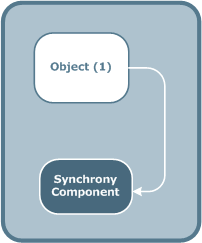
Step 3: Create a new revision of object [1]
To modify an object that is Committed on at least one Server, you must either remove it from all Server or create a new revision of the object.
When you create a new revision, the object revision tag is incremented to [2] and the status of the new revision is set to Checked. The object revision that is on the Server is still object [1].
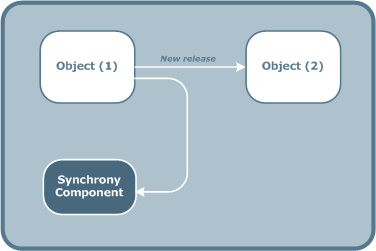
Step 4: Send the new revision (Object [2]) to Server
If you send the new revision, object [2], to Server, it replaces the previous revision on the Server. Object [1] is no longer on the Server and its status passes to Archived.
Keep in mind that unless the Axway Server has its own release management system, only one instance of an object can be present on aAxway Server.
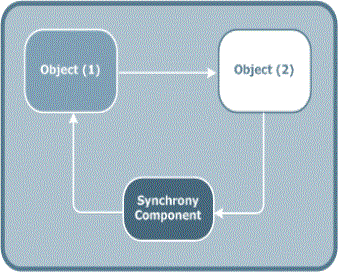
The Broadcast Agent of the Axway Server must take this operation into account:
Step 5: Send a previous revision back to Server
You may need to return to a previous configuration and send the previous revision back to Server. For example, if you find that the previous revision worked better than the new one.
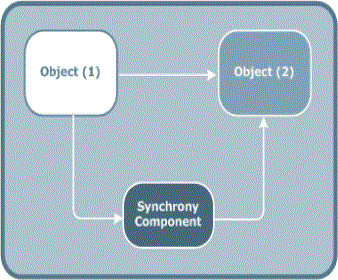
When you send a previous revision back to Server, object[1] replaces object[2] on the Server and the status of object[2] passes to Archived.