KB Article #101072
How to perform a search based on domain in MailGate
</p><p> Question & Answer</p><p>
Question
How to perform a search based on domain in MailGate?
Does MailGate support searches based on domains?
Answer
You can perform a search based on the domain within the Message Tracking page:
1. Select Monitor > Tracking > Messages.
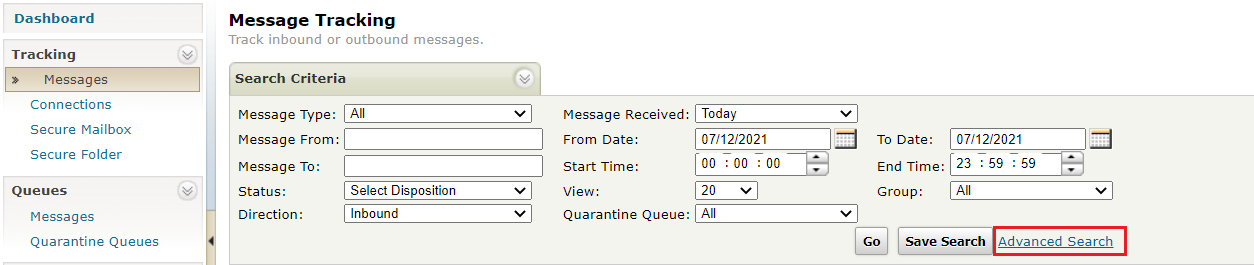
2. In the Search Criteria section, select Advanced Search.
For example:
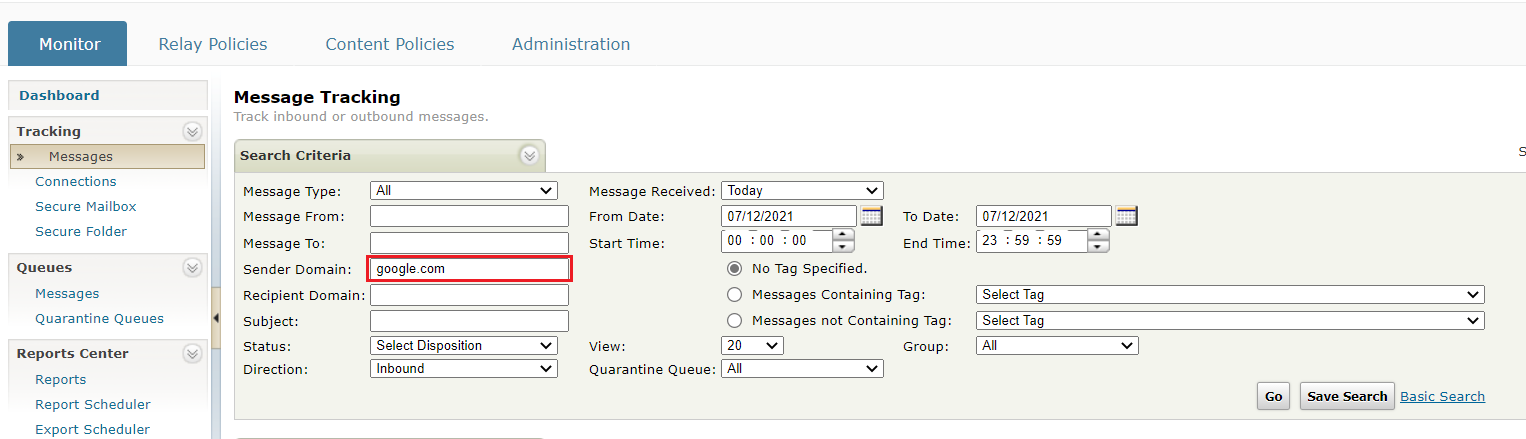
3. Enter the domain that you want to find in the Sender Domain or Recipient Domain search field and press the Go button. You will get all messages for the domain and sub-domains.
For example: