KB Article #179069
Create cluster for MGs when secure collaboration is licensed
Problem
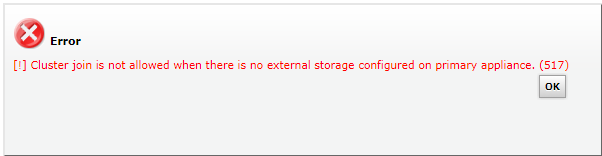
When trying to join cluster below error is encountered:
Resolution
This issue is encountered when Secure Collaboration is licensed.
Navigate to MailGateUI->Adminstration->System Settings->External Storage. Configure External Live Storage Device through NFS or CIFS in the primary appliance. Now retry to join the cluster by navigating to Cluster Management in secondary appliance.