KB Article #181271
The Configure Services Enable/Disable options.
Configure Services
MailGate-5.6.2-96-Patch_4 introduces a new feature called Configure Services
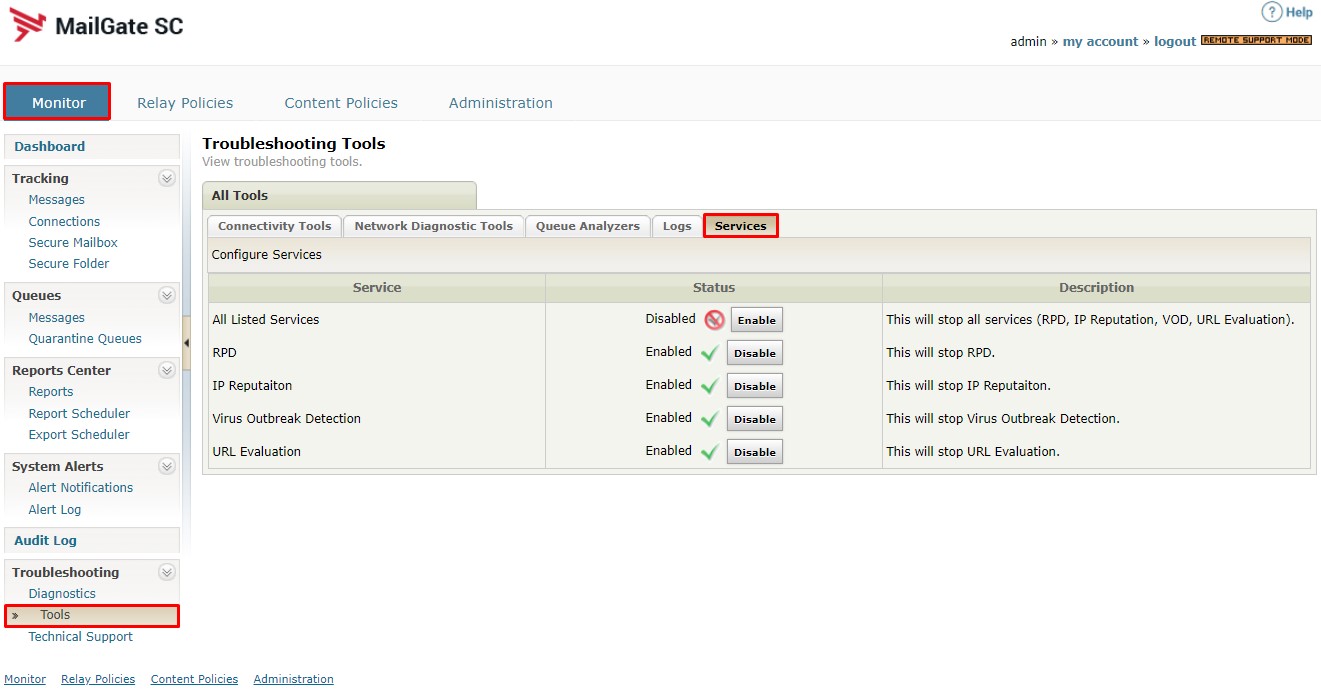
Table of Contents
- Why was the Configure Services feature introduced?
- What are the third-party components which can be controlled by Configure Services?
- How does the Configure Services feature work and what is its impact?
- How to use the Configure Services feature?
- Example use-case scenarios.
Why was the Configure Services feature introduced?
The new 'Configure Services' feature was introduced in order to provide administrators control over the application of third-party defense options in case they malfunction or in order to be able to troubleshoot possible issues with those services.
What are the third-party components which can be controlled by Configure Services?
The new feature provides control over two basic groups of third-party components:
- The Anti-Virus dependent Virus Outbreak Defense (VOD) heuristic defense setting deferring the scanning of suspected files for a set amount of time so pattern updates issued in response to new threats could provide improved catch-rate.
- The defense components provided by Cyren
- RPD (Recurrent Pattern Detection)
- IP Reputation
- URL Evaluation
How does the Configure Services feature work and what is its impact?
The button content and actions reflect the corresponding MySQL settings table option on the back end:
- All Listed Services
disable_all_services - RPD
antispam_disable_rpd_engine - IP Reputation
ip_reputation_enabled - Virus Outbreak Detection (VOD)
antispam_enable_vod - URL Evaluation
enable_url_evaluation
Starting from the time the button is pressed, the “Disabled” status replaces the modified service’s responses with ‘ok’/’default’ responses effectively preventing the service from affecting your message-processing.
How to use the Configure Services feature?
To disable a service simply press the "Disable"/”Enable” button next to the option which would change status and relevant button description (e.g. the URL Evaluation service).
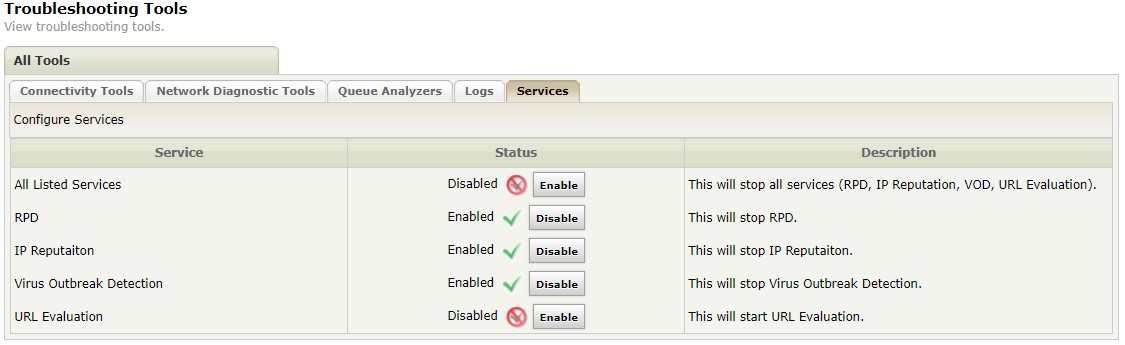
The only exception is the "All Listed Services", which overrides the individual settings of all four services by acting as an independent global kill switch while at the same time preserving the individual settings intact. This way after using the 'Enable'
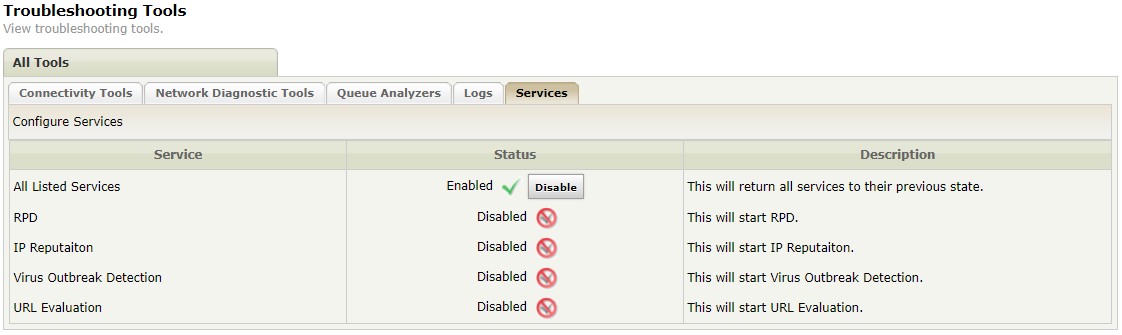
…and 'Disable' actions...
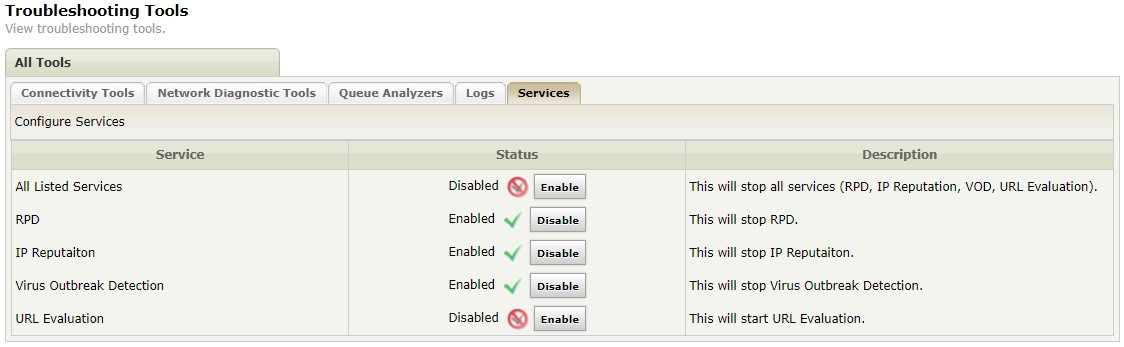
...for the "All Listed Services" setting, the remaining individual settings would go back to their individual original service states.
Example use-case scenarios.
Example use-case scenario would be cases where
- One or more of the three external Cyren resources cannot be reached preventing the message from processing.
- Either of the listed services triggers a false-positive result causing the message to be quarantined or dropped thus preventing the legitimate message from reaching its intended recipients.
- Either of the listed services triggers a service error preventing the processing of the message and possibly causing server wide service errors obstructing or even preventing the processing of the mail flow.