KB Article #181711
How to enable remoteip_module and use the X-Forwarded-For header
Problem
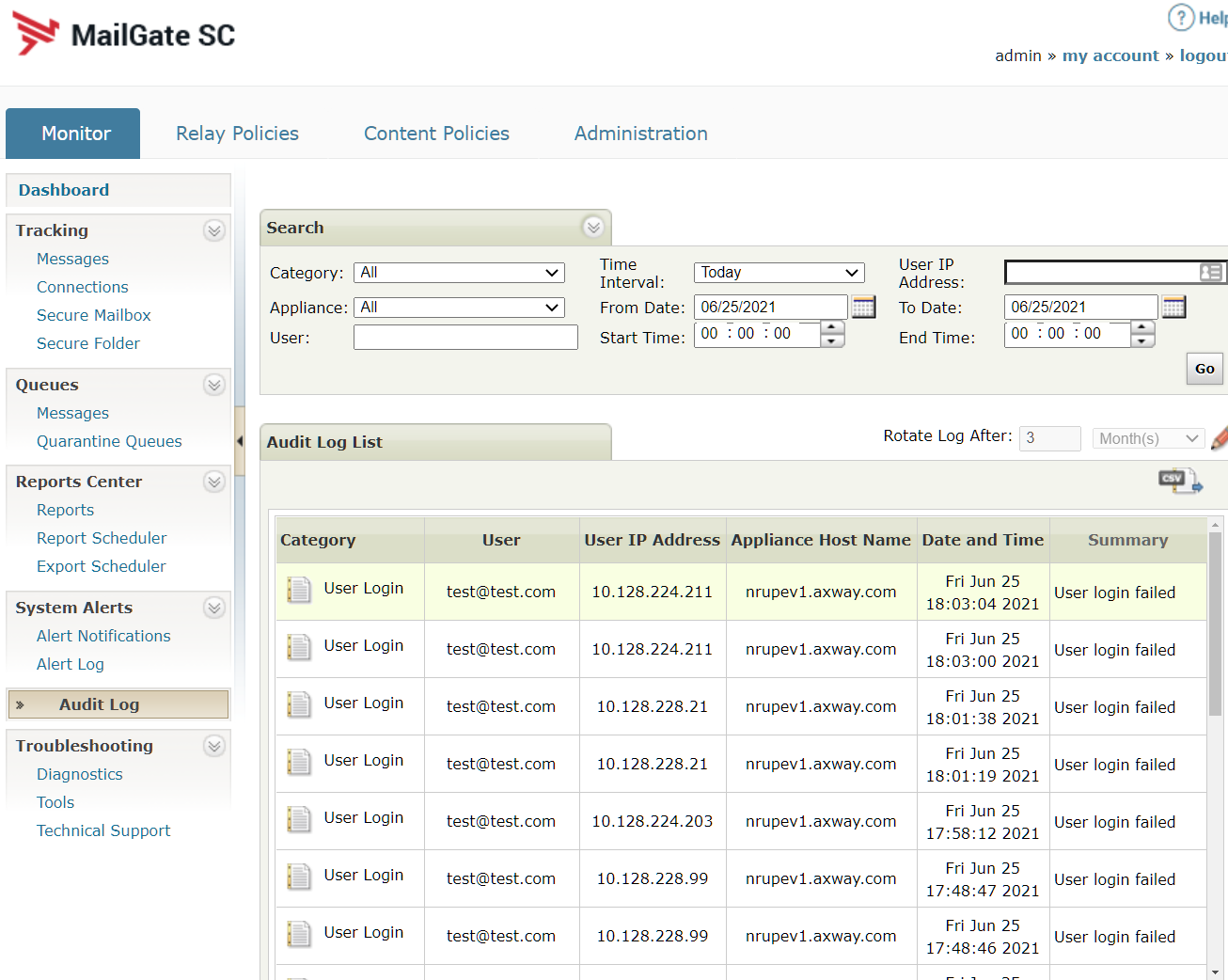
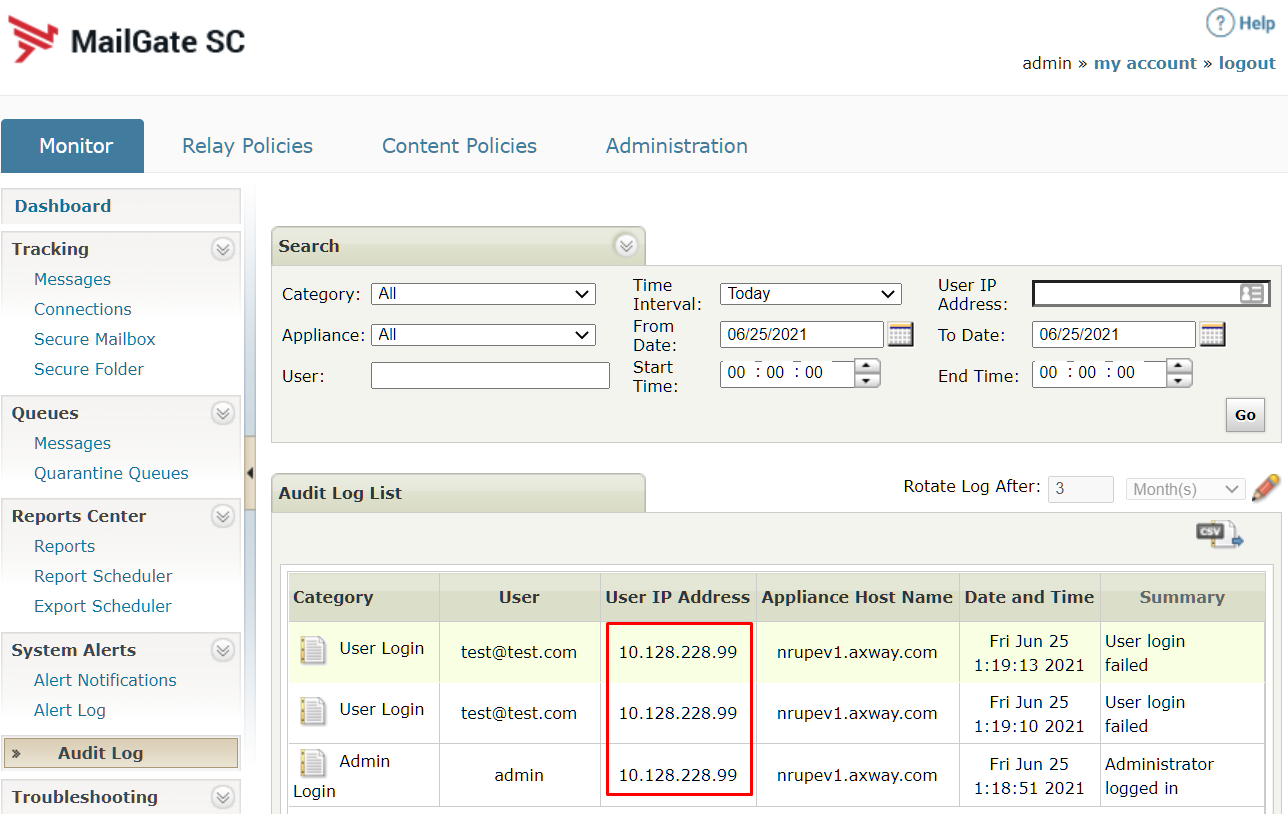
The customer is using a load balancer and when checking for end-user UI logins under Monitor>AuditLog> the "User IP Address" shows the LB IP address rather than the originating IP. Since the LB server implements the X-Forwarded-For header the customer would like to implement it to track the problematic logins.
Resolution
To enable the use of the X-Forwarded-For header, the httpd.conf file would need to be updated to enable the remoteip_module and specify the 'remoteipheader' to be the 'x-forwarded-for header'.
1. Edit httpd.conf
vi /var/corvigo/etc/httpd/conf/httpd.conf
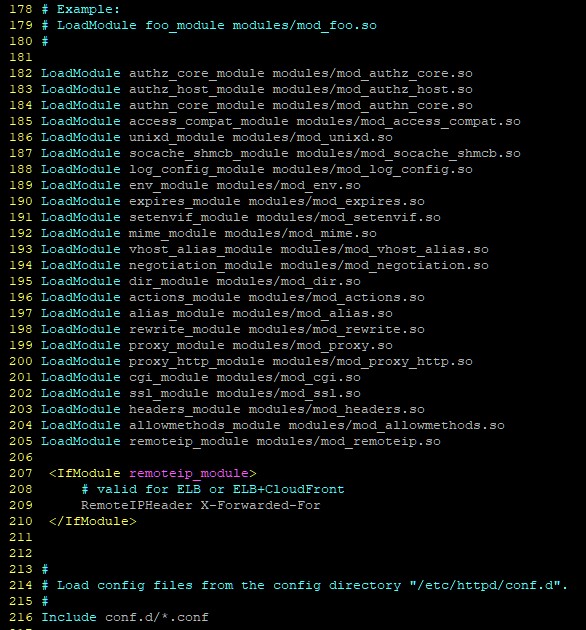
2. Add the module (Line 205)<br>
LoadModule remoteip_module modules/mod_remoteip.so
3. Add the header use (Lines 207-210)
<IfModule remoteip_module>
# valid for ELB or ELB+CloudFront
RemoteIPHeader X-Forwarded-For
</IfModule>
4. (Optional - in case the LogFormat header (%h) is not properly read you could replace it with (%a) for the peer IP address)
Original:
LogFormat "%h %l %u %t \"%r\" %>s %b \"%{Referer}i\" \"%{User-Agent}i\"" combined
With:
LogFormat "%a %l %u %t \"%r\" %>s %b \"%{Referer}i\" \"%{User-Agent}i\"" combined
5. Restart apache
/etc/init.d/tmwd-httpd restart
6. Test the module
/var/corvigo/sbin/apachectl -t -D DUMP_MODULES | grep -i remoteipremoteip_module (shared)
7. Test a few connections to the enduser interface to get fresh audit log results.