KB Article #192820
Authorize and Token URLs for MS Outlook connector must include Azure tenant Id
Problem
You are experiencing intermittent errors with the MS Outlook connector. One example is this error:
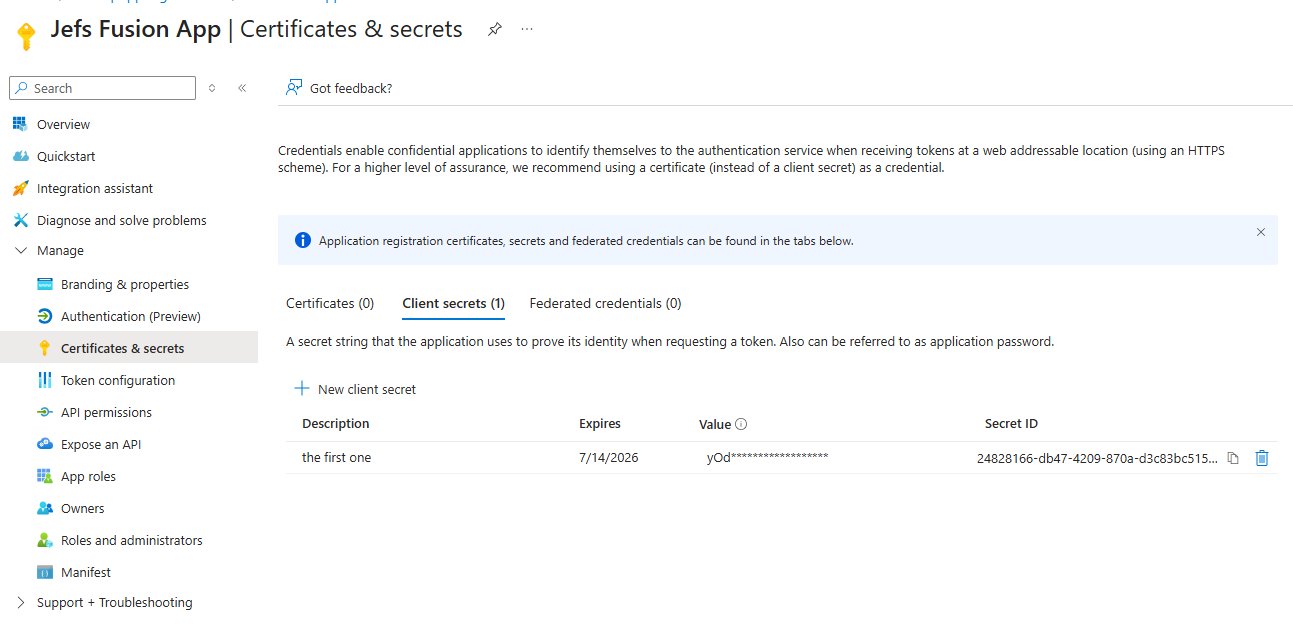
AADSTS7000215:
Invalid client secret provided. Ensure the secret being sent in the
request is the client secret value, not the client secret ID, for a
secret added to app '….
'
Resolution
Authorize and Token URLs
When configuring the MS Outlook connector, the Authorize URL and Token URL have these default values:
https:// login.microsoftonline.com/common/oauth2/v2.0/authorize
https:// login.microsoftonline.com/common/oauth2/v2.0/token
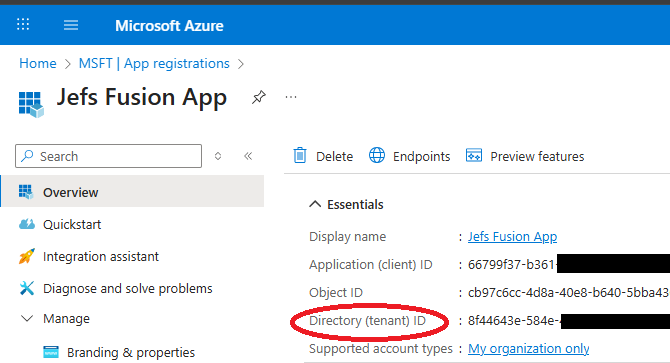
However, 'common' must be replaced with your own Tenant Id from Azure:
https:// login.microsoftonline.com/<your-tenant-id>/oauth2/v2.0/authorize
https:// login.microsoftonline.com/<your-tenant-id>/oauth2/v2.0/token
The tenant ID is shown in the Application screen in Azure:
Client secret expiration
OAuth client-secrets in Azure expire after some time, anywhere from 90 days to 24 months. When the secret expires, a new one must be created and provided in the Fusion configuration.